How to Spot Phishing Emails: A Complete Guide
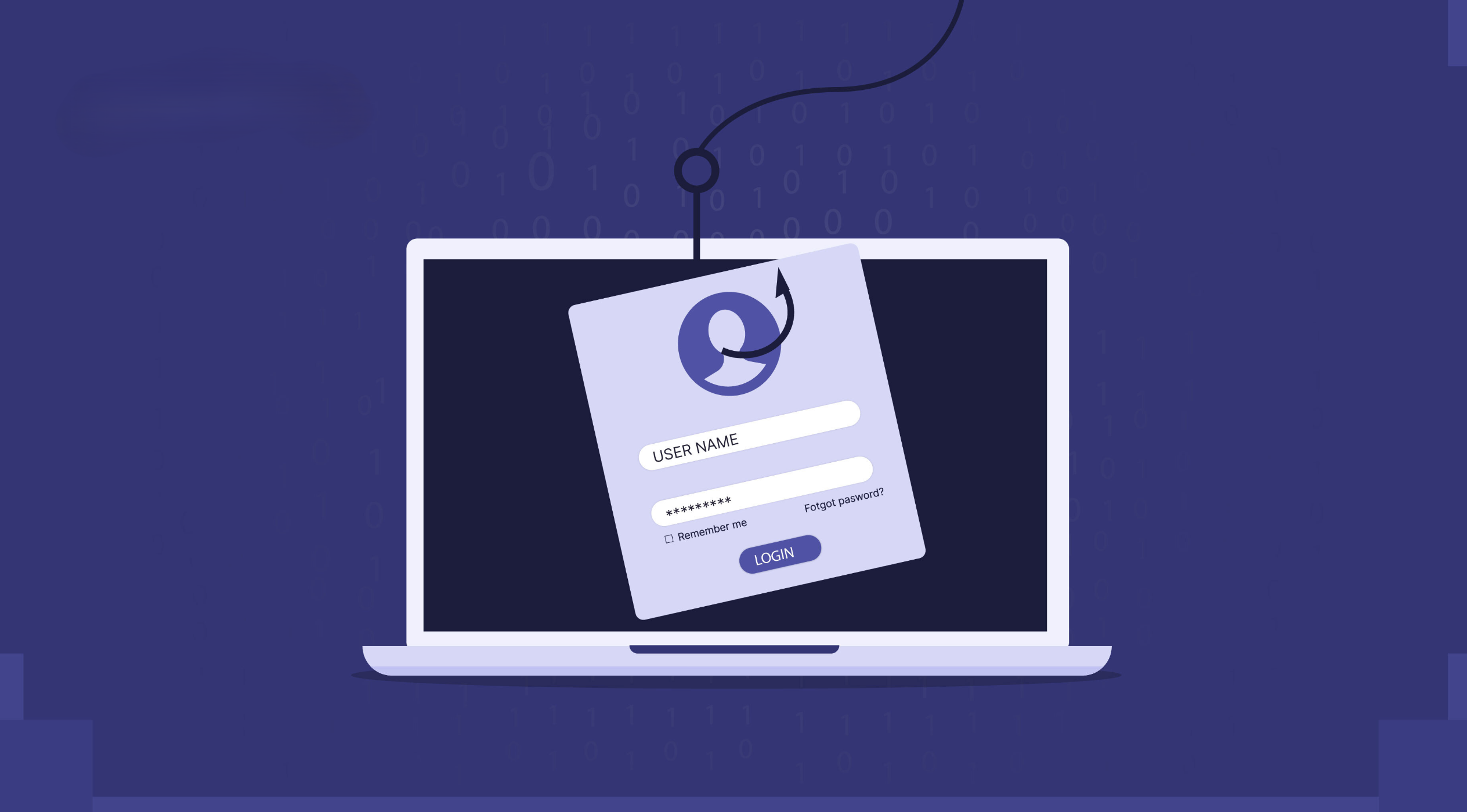
Phishing attacks have become one of the most common cyber threats today. According to a report by Verizon, 36% of all data breaches involve phishing. Cybercriminals are getting more sophisticated, making it harder to tell genuine emails from fake ones.
If you’ve ever received an email asking you to "verify your account" or "reset your password" unexpectedly, chances are it was a phishing attempt. Learning to spot phishing emails can protect your personal and financial information from being stolen.
What is a Phishing Email?
A phishing email is a type of social engineering attack where cybercriminals send fraudulent emails to trick you into revealing sensitive information like passwords, credit card details, or personal data. These emails are often designed to look like they come from a trusted source, such as a bank, an online service, or even a coworker.
For example, you might receive an email from "PayPal" asking you to update your account information due to a "security breach." The email looks legitimate, but when you click the link, it takes you to a fake website designed to steal your login credentials.
Phishing relies heavily on psychological manipulation. Attackers create a sense of urgency, fear, or curiosity to pressure you into acting quickly — often before you’ve had time to think critically.
History and Evolution of Phishing
Phishing has been around for decades, evolving from simple scams to highly sophisticated attacks that are harder to detect. Understanding the history helps to see how phishing techniques have adapted over time.
- Early Days (1990s): The term "phishing" originated in the mid-1990s when hackers targeted AOL users with fake login pages to steal credentials.
- 2000s – Rise of Email-Based Phishing: Attackers began mimicking trusted companies like PayPal and eBay, using fake emails about account issues to lure victims.
- 2010s – Spear Phishing and Whaling: Attackers started targeting specific individuals and high-profile executives using personalized information from social media.
- 2020s – Multi-Channel and AI-Enhanced Phishing: Modern phishing includes smishing (SMS), vishing (voice), and AI-generated emails, making attacks more difficult to identify.
Why Phishing Works
Phishing is successful because it exploits human psychology and technical vulnerabilities. Attackers use various psychological tricks and technical strategies to make their emails appear convincing.
- Urgency and Fear: Phishing emails often create a sense of urgency ("Your account will be closed!") to make you act without thinking.
- Authority: Emails that appear to be from trusted organizations like banks, government agencies, or tech companies are more likely to be trusted.
- Social Engineering: Attackers exploit personal details (e.g., names, job titles) to craft personalized emails that appear legitimate.
- Technical Spoofing: Phishers manipulate email headers, domains, and display names to make emails look like they’re coming from a legitimate source.
- Lack of Awareness: Many people are not trained to spot phishing emails, which increases the chances of falling for these scams.
Types of Phishing Attacks
Phishing comes in various forms, each targeting different platforms and communication methods. Understanding the different types of phishing attacks can help you recognize them more easily.
- Email Phishing: The most common type where attackers send fake emails that appear to come from trusted sources, asking for sensitive information.
- Smishing (SMS Phishing): Phishing via text messages. Attackers send links or ask for personal details through SMS.
- Vishing (Voice Phishing): Scammers call victims pretending to be from a legitimate company, convincing them to share sensitive information.
- Spear Phishing: A highly targeted attack aimed at a specific individual or company, using personalized information to make the email more convincing.
- Clone Phishing: Attackers copy a legitimate email, modify the content with malicious links or attachments, and resend it to the target.
- Whaling: A spear-phishing attack targeting high-profile individuals (e.g., CEOs, executives) with the goal of gaining access to company data or funds.
- Social Media Phishing: Attackers impersonate trusted social media accounts to steal login details or sensitive information.
- Cloud Storage Phishing: Fake login pages for platforms like Google Drive or Dropbox are used to steal login credentials.
How Phishing Works
Phishing attacks rely on psychological manipulation and technical deception to trick users into revealing sensitive information. Here’s how a typical phishing attack unfolds:
- Target Selection: Attackers choose a target based on publicly available information (e.g., social media profiles) or use mass email campaigns to reach a large audience.
- Creation of a Fake Email or Website: The attacker creates a fake email or website that mimics a legitimate source (e.g., bank, online service).
- Delivery: The phishing email or message is sent to the target, containing malicious links or attachments.
- Deception and Click: The target is tricked into clicking a link or downloading an attachment by using urgent or alarming language.
- Credential Harvesting or Malware Installation: If the target enters login details, they are stolen. If a file is downloaded, malware is installed to give the attacker access to the system.
- Exploitation: The attacker uses the stolen data for financial gain, identity theft, or to breach other systems.
Phishing has evolved significantly over the years. Early phishing emails were often crude and easy to spot due to poor formatting and grammar. Today, phishing emails are highly sophisticated, using personalized details, realistic branding, and even secure-looking websites to fool victims.
Types of Phishing Emails
Phishing emails come in different forms, each designed to target victims using specific tactics. Understanding the different types can help you identify them more effectively:
- Spear Phishing: Targeted attacks on specific individuals or organizations using personalized information to increase credibility. Example: A fake email from your boss asking you to transfer funds.
- Whaling: High-level attacks targeting senior executives (e.g., CEOs, CFOs). Example: A fake invoice request from a trusted business partner.
- Clone Phishing: A legitimate email is copied, and the links or attachments are replaced with malicious ones. Example: A "new login activity" alert from a cloned bank email.
- Vishing (Voice Phishing): Attackers use phone calls to trick victims into revealing sensitive information. Example: A call from "tech support" asking for your login details.
- Smishing (SMS Phishing): Phishing attempts via text messages with links to malicious websites. Example: A text claiming "Your account will be locked. Click here to confirm your details."
- Business Email Compromise (BEC): Attackers impersonate company executives to request financial transactions or sensitive data. Example: A fake email from the "CEO" asking to wire funds to a new account.
- Pharming: Directs users to a fake website that looks legitimate to steal login details. Example: A fake login page that looks identical to a bank’s official site.
How to Identify a Phishing Email
Watch for these common signs to spot a phishing email:
- Suspicious Email Address: The sender's email might look official but contains slight misspellings (e.g., **support@paypa1.com** instead of **support@paypal.com**).
- Urgent or Threatening Language: Phishing emails often create a sense of urgency to make you act quickly (e.g., "Your account will be suspended unless you verify your details immediately!").
- Poor Grammar and Spelling Mistakes: Professional companies rarely send emails with grammar or spelling mistakes. If you notice such errors, it's likely a scam.
- Unfamiliar Links: Hover over the links without clicking them. If the URL looks suspicious or different from the legitimate website, it's likely a phishing attempt.
- Unexpected Attachments: Legitimate companies rarely send attachments in emails unless you’ve requested them. Opening a malicious attachment can install malware on your device.
- Requests for Personal Information: Banks, government agencies, and online platforms will never ask for your password or sensitive information via email.
- Mismatched Branding: Logos, color schemes, and formatting that don’t match the official style of the company are a red flag.
- Generic Greetings: Legitimate emails from companies you have accounts with usually address you by name. If it says "Dear Customer" or "Dear User," it could be fake.
- Fake Security Alerts: Emails claiming "unusual activity" on your account and asking you to reset your password can be a trap.
- Unusual Requests for Video or Audio Calls: Phishers may try to lure you into video or audio calls to gather more information about you.
What to Do If You Receive a Suspicious Email
- Don't Click on Links: Avoid clicking any links or downloading attachments from suspicious emails. Even if it looks genuine, it’s safer to visit the official website directly.
- Verify with the Sender: If the email appears to come from a trusted company, contact them directly using their official website or phone number to confirm.
- Report the Email: Most email providers (like Gmail and Outlook) allow you to report phishing emails. Reporting helps improve spam filters and protects others from similar attacks.
- Delete the Email: Once you’ve reported it, delete the email immediately to prevent accidental clicks later.
- Update Your Security Settings: Enable two-factor authentication (2FA) and change your passwords regularly to protect your accounts from unauthorized access.
- Educate Yourself: Stay informed about the latest phishing techniques and train yourself to recognize them. Knowledge is your best defense.
- Monitor Your Accounts: Keep an eye on your bank and online accounts for any unusual activity. Early detection can prevent significant damage.
- Use an Email Filter: Enable spam filters on your email account to reduce the chances of phishing emails reaching your inbox.
How to Report Phishing Emails
If you’ve identified a phishing email, reporting it is an important step in stopping the spread of these scams. Follow the steps below to report phishing attempts:
1. Report to Your Email Provider
- **Gmail:** Open the email → Click on the three dots → Select **"Report phishing."**
- **Outlook:** Open the email → Click on the three dots → Select **"Report phishing."**
- **Yahoo:** Open the email → Click **"More"** → Select **"Report phishing."**
2. Report to the Organization Being Spoofed
If the phishing email claims to be from a well-known organization, forward the email to their fraud or abuse department (e.g., **spoof@paypal.com** for PayPal, **abuse@amazon.com** for Amazon).
3. Report to Cybersecurity Authorities
- **In the US:** Report to **FTC** at https://reportfraud.ftc.gov
- **In the UK:** Report to **Action Fraud** at https://www.actionfraud.police.uk
- **In India:** Report to **CERT-In** at https://www.cert-in.org.in/
4. Use Anti-Phishing Tools
Consider using browser extensions like **Netcraft** or **PhishTank** to automatically detect phishing sites and report them. These tools can provide extra protection while browsing.
5. Educate Others
Inform your friends, family, or colleagues if you believe a phishing attempt may be widespread. The more people who know about it, the fewer will fall victim.
Real-World Examples of Phishing Attacks
- Google Docs Phishing Scam (2017): Attackers sent a fake Google Docs invitation link, tricking users into granting permissions to a malicious app. Over 1 million users were affected before Google stopped the attack.
- PayPal Phishing Scam: Users received an email warning them about account suspension. The email contained a link to a fake login page that stole credentials. The realistic design of the email made it hard to detect.
- IRS Tax Refund Scam: Attackers posed as the IRS and sent fake tax refund emails, leading to a website that stole personal and financial information. Many victims unknowingly provided sensitive details.
- Facebook Login Phishing: Hackers created a fake Facebook login page. Victims entered their login details, which were then stolen and used for further attacks or sold on the dark web.
- WhatsApp Verification Code Scam: Victims received a message pretending to be from WhatsApp support, asking for a verification code. Once the code was shared, attackers took control of the account.
- Microsoft Office 365 Credential Theft: Attackers sent fake "password reset" emails from Microsoft. The link led to a fake login page, resulting in stolen credentials and compromised corporate accounts.
- Amazon Order Confirmation Scam: Victims received a fake order confirmation email with a link to "view order details." Clicking the link led to a fraudulent login page designed to steal Amazon credentials.
Conclusion
Phishing emails are one of the most common and dangerous forms of cyberattacks. Knowing how to spot them is the first step toward protecting your data and privacy.
Always be cautious of unexpected emails, verify the sender's identity, and never share sensitive information.
Stay updated on the latest phishing tactics and train yourself to recognize suspicious patterns.
Take action today: enable two-factor authentication (2FA) on all your accounts and report any suspicious emails to your email provider.
Stay vigilant, stay protected — your awareness is your best defense!